
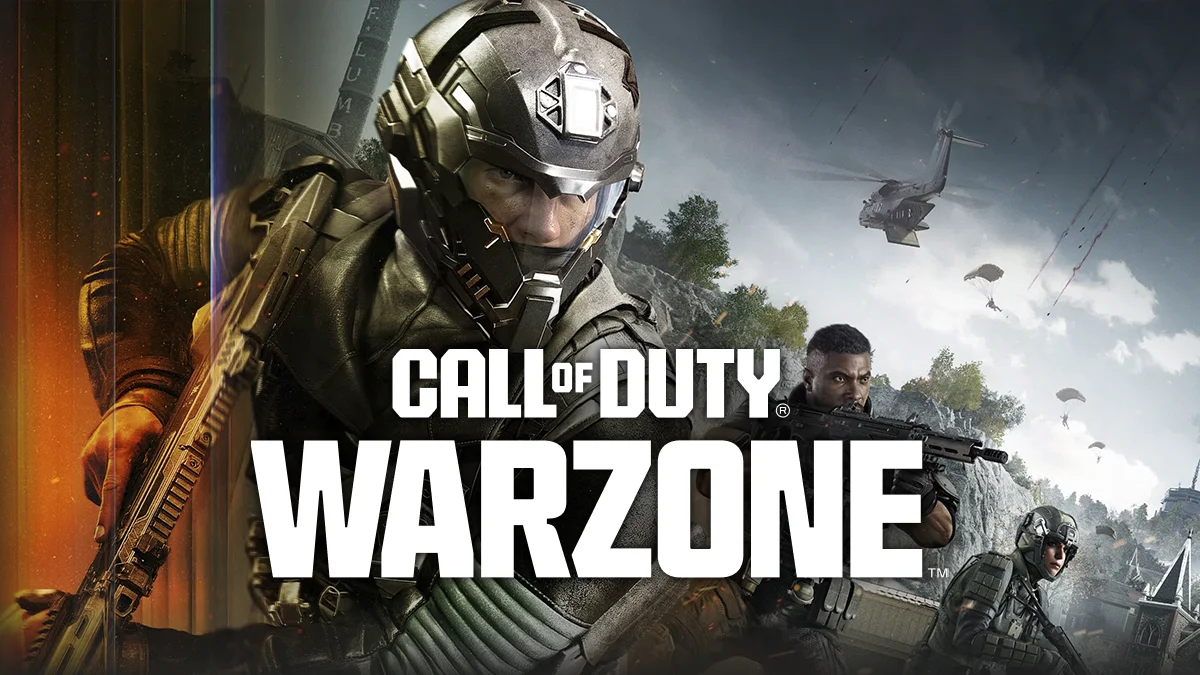
Call of Duty Warzone Black Ops 7 Logitech No Recoil Macro
COD WZ BO7 No Recoil Macro Script for Logitech


 Undetected & Secure
 Up to Date: Season 2

Call of Duty Warzone Black Ops 7 Logitech Lua Script No Recoil Macro;
-
- WZ BO7 – 18in1 Weapons in Total
- Sturmwolf 45 *NEW, M15 MOD 0, AK 27, MXR 17, X9 MAVERICK, DS20 MIRAGE, PEACEKEEPER MK1, RYDEN 45K, RK 9, RAZOR 9MM, DRAVEC 45, CARBON 57, MPC 25, MK 78, M8A1, WARDEN 308, XM325, CODA 9.
- 18 Weapons in 1 Package!
- Works with All Windows Versions


- Undetected & Secure
- Customizable Button Switch Weapon.
- Customizable Button Activate & Deactivate
- Easy Installation.
- Work with any Sensitivity
- Work with any DPI
- Work with any Fov
- Work with Logitech G HUB or Logitech Gaming Software
- Works with Logitech Mouses (Click for list)
- After purchase you will get e-mail for Download

| Hardware / Version | Technology | Action |
|---|---|---|
| Logitech G-Hub | .Lua Script (This Page) | ✅ Current Page |
| Razer Synapse | .XML Macro | Get Razer Version |
| Bloody / A4Tech | .AMC / .XML | Get Bloody Version |
| AI Aim Assist | External Overlay (Black Ops 7 Only) | Get AI Aim Assist |
✅ Call of Duty Warzone Black Ops 7 No Recoil Macro Script
Unlock the Ultimate No Recoil Macro for Warzone & Black Ops 7. We’re proud to introduce the ultimate Logitech no recoil macro experience for Call of Duty: Warzone Black Ops 7. At CSMACRO.com, we focus on delivering high-precision macros designed to enhance your performance in both Warzone and multiplayer modes.
Perfected Warzone Black Ops 7 Logitech No Recoil Macros
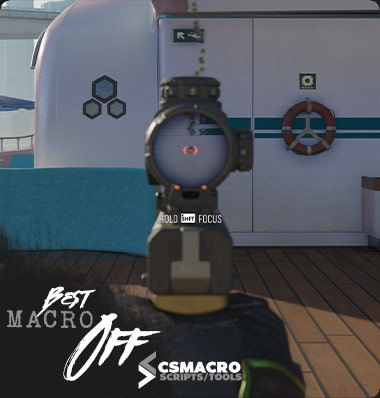
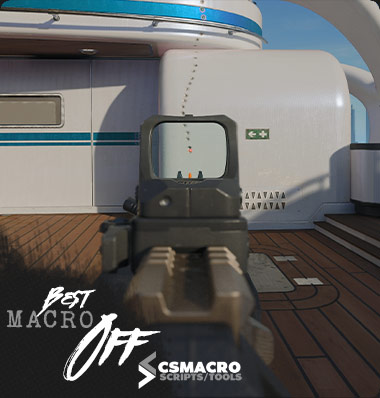
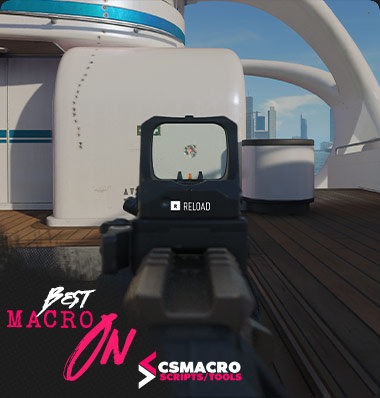
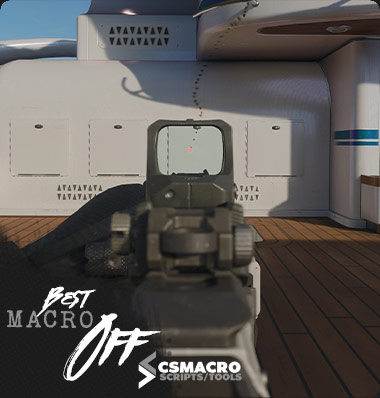
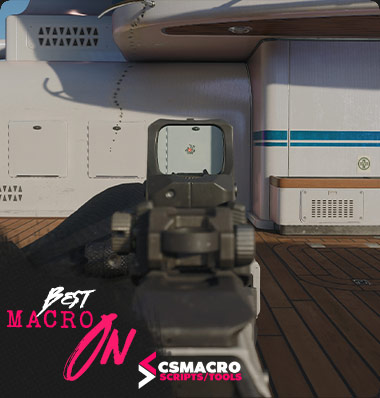
Our Warzone Black Ops 7 Logitech no recoil macros have been carefully refined to help you stay accurate in every gunfight. Whether you’re battling in intense Warzone engagements or fast-paced Black Ops 7 matches, our anti-recoil system gives you smooth, controlled firing at all times.
Advanced Warzone Black Ops 7 No Recoil Script
Our Call of Duty: Warzone Black Ops 7 No Recoil Macro Script is fully compatible with both Logitech G-Hub and LGS. No matter which software you use, the macro runs smoothly and remains optimized for Warzone and Black Ops 7 gameplay. Enjoy precise recoil control with a secure and reliable setup.
Technical Specifications
| Software Type | Logitech Lua Script (.lua) |
|---|---|
| Supported Games | COD: Warzone & Black Ops 7 |
| Anti-Cheat Status | Undetected (Ricochet Safe) |
| Driver Support | Logitech G-Hub & LGS (Legacy) |
| Input Method | Relative Mouse Move (Humanized) |
Features of Our Warzone Anti Recoil Script
- Advanced Sensitivity Control: Fine-tune recoil behavior to match your in-game Warzone sensitivity.
- Fully Customizable Buttons: Assign keys exactly how you prefer for Black Ops 7 and Warzone.
- Seamless Logitech Support: Optimized for Logitech G-Hub and LGS with full Warzone Black Ops 7 compatibility.
